
Contents:
Each time you make changes to Shopify settings that sync with Automate Shipping Profiles, you must import those changes to ensure the app is using your latest Shopify configuration.
How It Works
Any time you add, remove, or edit shipping profiles, make changes to your products (such as collections, product types, or vendors), or update your store information, such as your primary contact email address, you must import those changes. Importing syncs your latest Shopify settings with Automate Shipping Profiles, ensuring the app has the most up-to-date information.
Import Shopify Settings
1. Click Settings on the main menu.
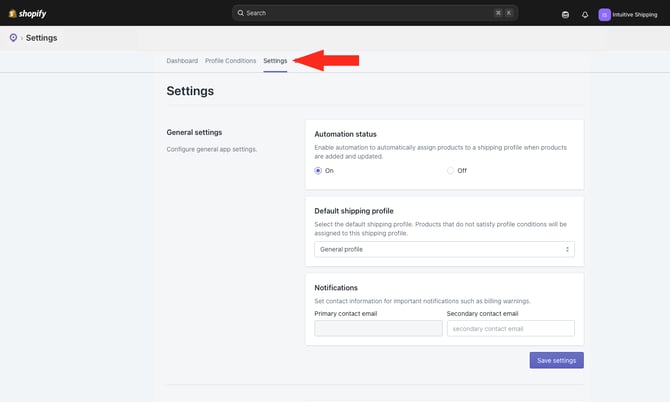
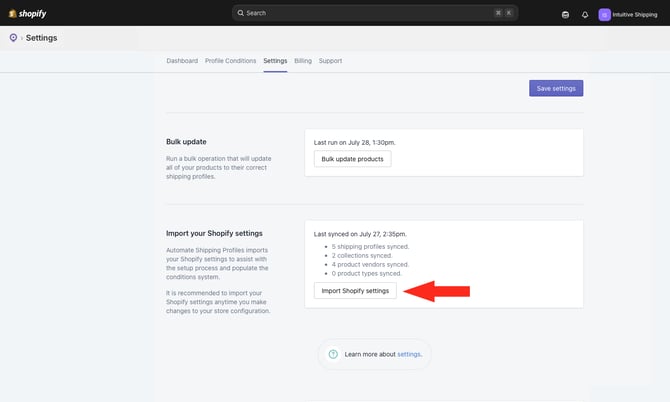
2. Scroll down to Import your Shopify settings.
3. Click the Import Shopify settings button.
You can continue using Automate Shipping Profiles while the import is running. However, we recommend waiting until the process is complete before making any changes.